


Download
ThreatVPN
for
Windows
Get ThreatVPN for Windows today and enjoy secure, private access to all your favorite content.
- Friendly tap and go interface
- Protection with top VPN features
- High-speed servers in 115+ locations
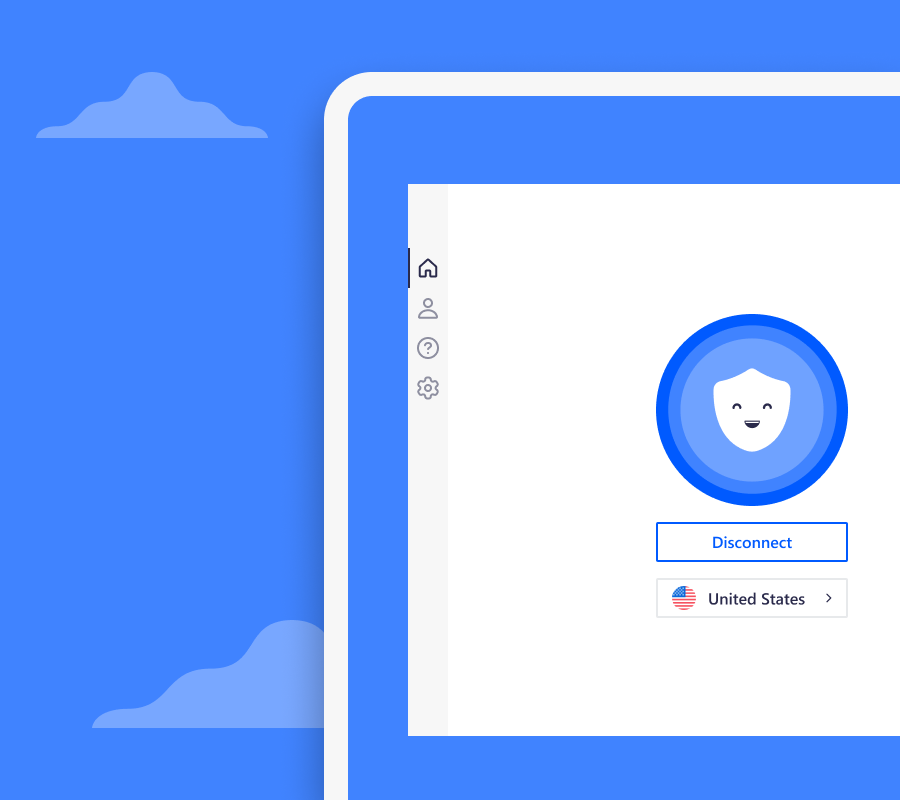


How to set up ThreatVPN on Windows
Follow these three simple steps to download and set up a VPN on Windows
Step 1
Download and install
Download ThreatVPN on your Windows device
Step 2
Connect
Open the ThreatVPN app & click “Connect”
Step 3
You’re all set
Enjoy your favorite content with peace of mind
Why install ThreatVPN?

High-speed VPN for Windows
Enjoy your favorite movies and shows with our fast VPN. ThreatVPN offers high-speed servers for optimal performance.

Easy set up
Download ThreatVPN in just 3 easy steps. Once installed, you can easily connect to the VPN in just 1 click.

Unlimited data
Browse the internet, protect your privacy and stream content without limitations.

Streaming and gaming modes
Customize your VPN experience by configuring your product for streaming and gaming modes.

Secure your connection
Encrypt your personal browsing information keeping it safe from hackers, your ISP and more.

45-day money-back guarantee
We’re so confident you’ll love everything about ThreatVPN, you can try it completely risk-free for 45-days.
People love ThreatVPN for Windows
Extremely Easy

I’ve downloaded and used most VPN applications and I have to say, ThreatVPN quick connectivity, easy to use interface, sets the bar. Extremely happy with the price and service. A++ to the team.
Life Saver
This VPN is like old faithful. I have tried others but it is so easy to use on my phone and laptop that I never mind. I appreciate it so much. Thank you guys at VPN.
Best on Desktop and Mobile
Best app so far on desktop and mobile and value for the money paid!